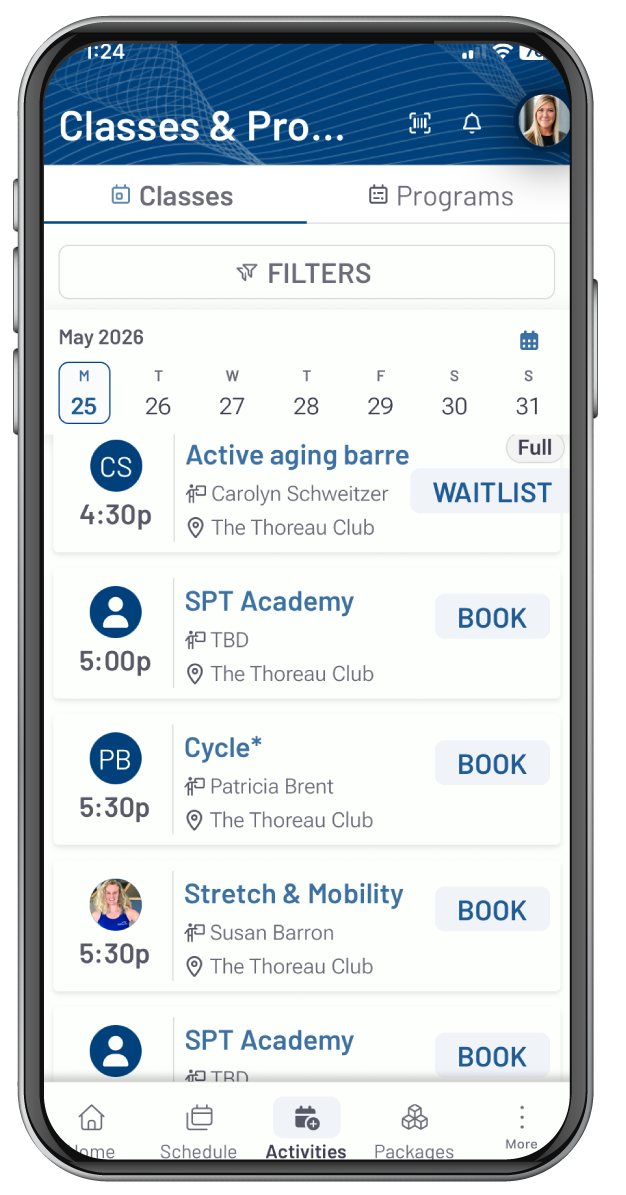
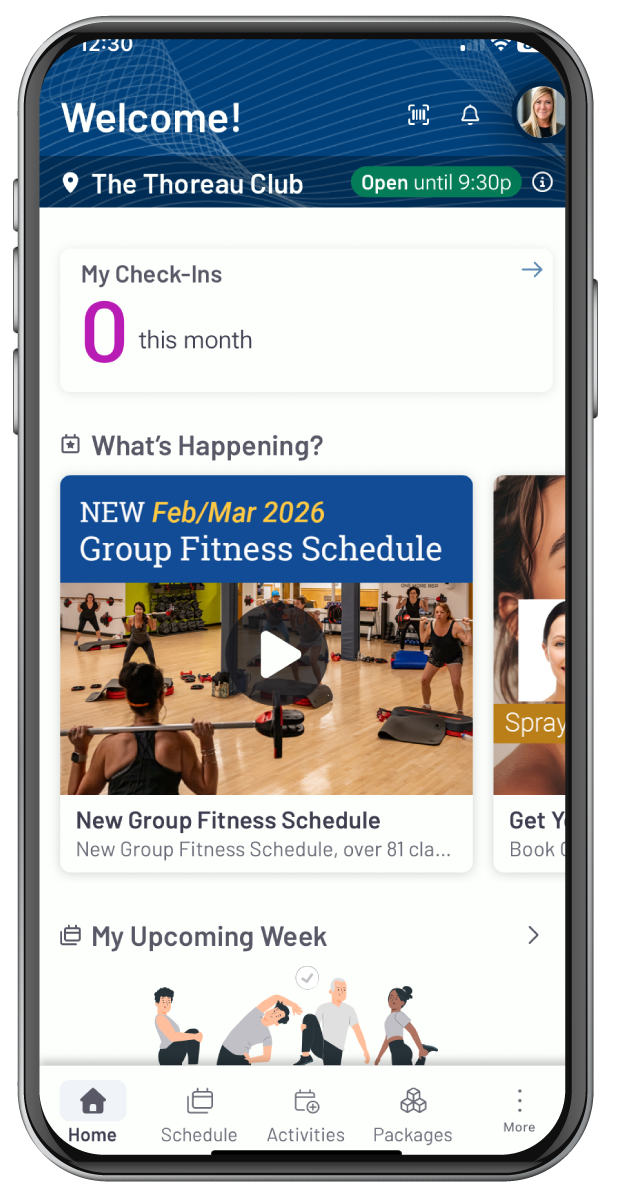
FINDING THE APP
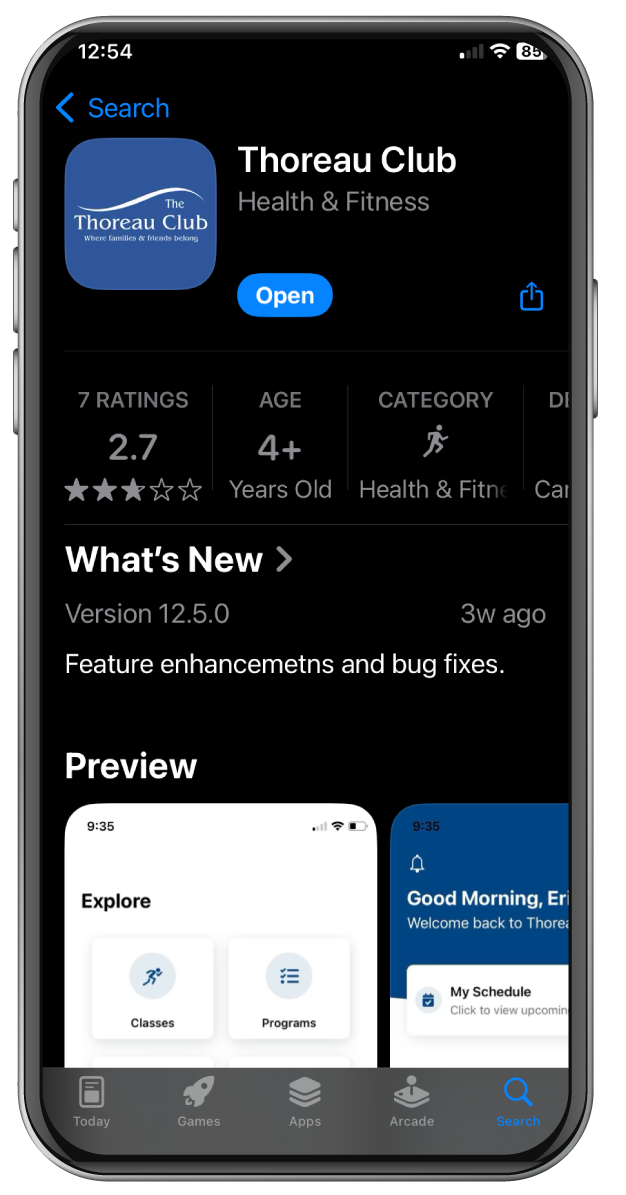
Make sure you are searching for
Thoreau Club and ensure to update it to the latest version
SIGNING UP
You can create your account either online or on the
App. Once you have created an account, you can use
that to log in to both Club Automation Online and the
Thoreau Club App.
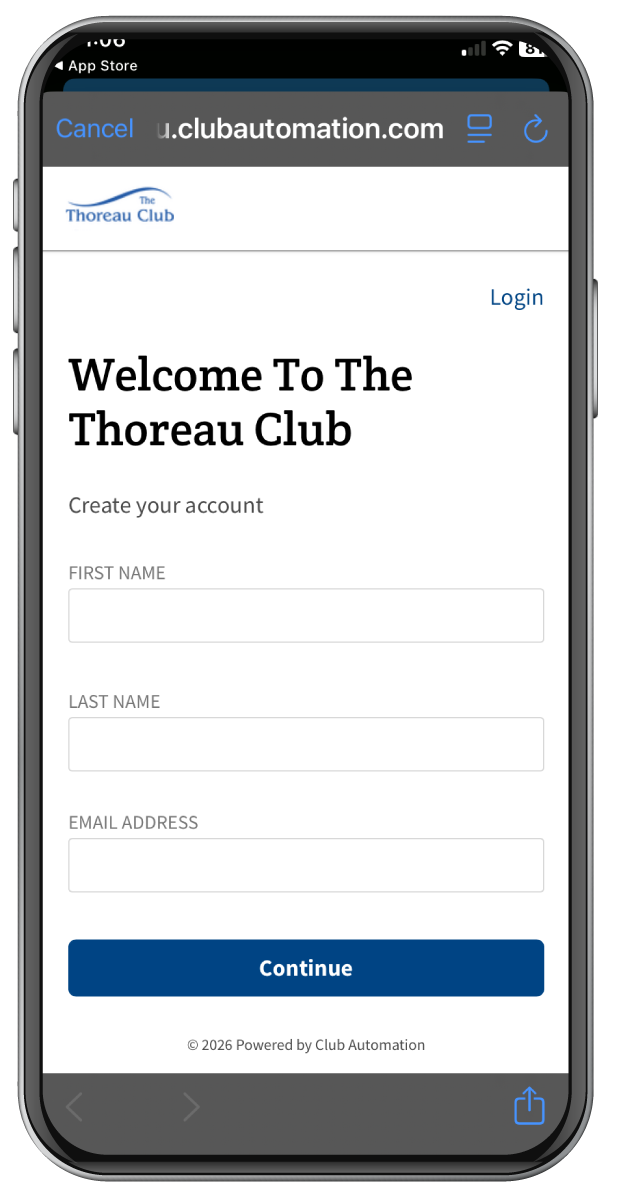
Click “Create An Account”
1. Enter your First Name, Last Name, and email
address on file at The Thoreau Club. Hit ‘Continue’ for
next steps.
If you do not recall the email address
associated with your account or
would like to change your email, please reach out
to member services 978-831-1349.
2. Enter the verification code sent to the email address.
Then create a Username and Password. This
username and password are the same for both the app
and using the Member Portal via our website online.
3. Once your account is created, you can login to The
Thoreau Club App! Once logged it, you’re all set!
You can create your account either online or on the
App. Once you have created an account, you can use
that to log in to both Club Automation Online and the
Thoreau Club App.
Click “Create An Account”
1. Enter your First Name, Last Name, and email
address on file at The Thoreau Club. Hit ‘Continue’ for
next steps.
If you do not recall the email address
associated with your account or
would like to change your email, please reach out
to member services 978-831-1349.
2. Enter the verification code sent to the email address.
Then create a Username and Password. This
username and password are the same for both the app
and using the Member Portal via our website online.
3. Once your account is created, you can login to The
Thoreau Club App! Once logged it, you’re all set!
SIGNING UP
CHECKING CLASS SCHEDULES
1. Click on the HOME Tab on the bottom of the app.
2. Scroll down to View All Classes. Chose CLASSES or PROGRAMS depending what you are looking for.
Between CLASSES and PROGRAMS you can reserve your spot in Group Fitness classes, sign up for Small Group Training, reserve courts for Tennis or Lap Lanes for swimming, and book massage or skin treatment with the SPA.
Personal Training reservations will not be able to be booked through the app.
SIGN UP FOR CLASSES
1. Click the SCHEDULE tab or CLASSES on the homepage or explore tab.
2. Select the CATEGORY and select Group Exercise.
3. Select the CLASS you want to book a spot for.
4. Click SIGN UP.
5. Click CONFIRM.
RESERVATIONS
1. Click RESERVATIONS in the Explore Tab or Homepage.
2. Select the DEPARTMENT you want to make the reservation for.
3. Select the DURATION of time you would like to make a reservation for.
4. Click the DATE you would like to see which reservations are available.
5. Click the TIME.
6. Click RESERVE and you’re all set!